Apple Podcasts
 Podbean
 Spotify
 Amazon Music
 iHeartRadio
 Player.fm
 Podchaser

Is the FlashTrack 15 a good microphone for recording saxophone at home?
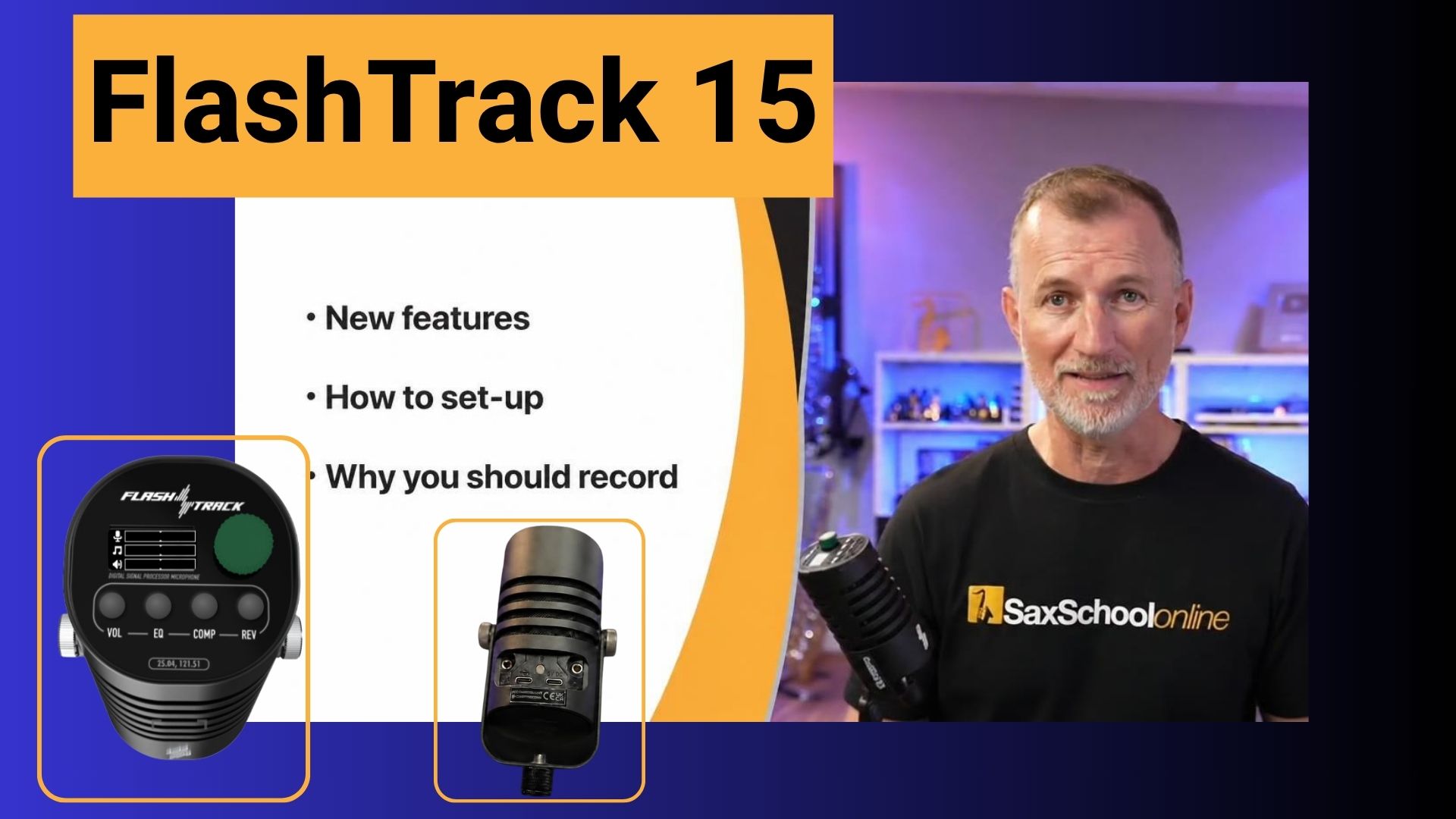
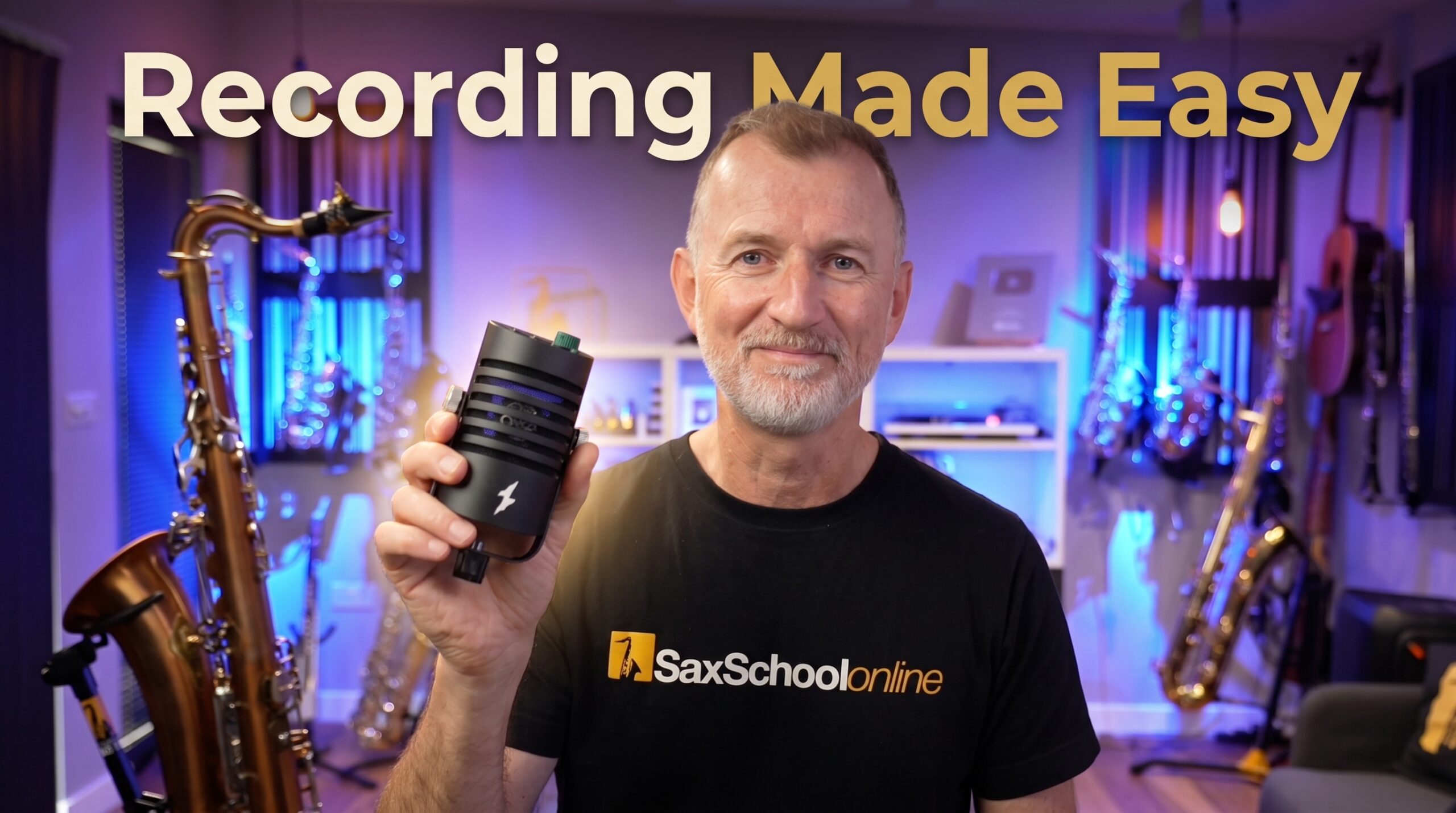
Yes. The FlashTrack 15 from Cloud Vocal is built for exactly this. It’s one mic and one USB-C cable, so you press record and you’re going in seconds. That makes it one of the most popular mics our Sax School members use to record themselves.
Quick Takeaways
- Setup is one USB-C cable into your iPhone or iPad — no interface, no software
- Smart Dynamic Control stops loud sax passages from clipping your recording
- You can stream backing tracks over Bluetooth and record yourself playing along, all in one go
- It’s $299 direct from Cloud Vocal, plus a stand if you don’t already have one
14 day free trial(opens in new tab)
Why recording yourself is the fastest way to improve
When you’re practising, you’re thinking about too many things at once. Your fingers, the music, your breath. You’re not really listening.
Recording changes that. You get to hear yourself the way an audience hears you — your tuning, your timing, your tone. It’s probably the fastest way to get feedback that you have available to you.
And because a mic like this makes recording so easy, you can loop it. Record a phrase, listen back, adjust, go again.
“That loop really is where those micro improvements happen,”
and they add up faster than most people expect.
There’s a third benefit too. Recording is performance practice. There’s a little bit of pressure the moment you hit that record button, and you commit to notes differently than when you’re just noodling on your own. Get into the habit of recording regularly and you’ll walk into your next lesson, band rehearsal, or gig a more confident player.
How the FlashTrack 15 makes recording so simple
Normally, recording yourself is a right faff. You need a microphone, a stand, cables, an audio interface, some recording software, and then probably a couple of afternoons on YouTube trying to work out why none of it’s working.
The FlashTrack skips all of that. Plug a USB-C cable into the back of the mic, plug the other end into your iPhone, and that’s it. Press record. The whole thing takes 10 or 15 seconds.
Basically, it removes nearly all of the technical faff out of the process of recording.
Bluetooth backing tracks and zero-delay monitoring
You can stream backing tracks straight to the mic from your phone or tablet over Bluetooth. No extra cables, no speaker needed.
Headphones plug directly into the back of the mic too, so you hear yourself and the backing track together, live, with no delay. And you can record both at once — you playing, and the track — all in a single take. If you practise a lot with backing tracks or play-alongs, that removes the whole gap between
“I feel like practising” and “I feel like recording.”
You just do it.
Smart Dynamic Control: no more ruined recordings from clipping
This is the main sound upgrade in the new version, and it matters most to us loud saxophone players. The mic sets your audio level automatically.
That means you don’t get to the end of a take, only to discover the loud section at the start was clipping and the whole recording’s ruined. It’s handled for you. There’s also mic modelling built in, so the condenser capsule can take on the character of classic dynamic and ribbon mics — nice to have, though most people set it once and forget it.
What Fred from the Sax School tutor team thinks
Fred spent years touring and recording with The Average White Band, so he knows mics. He recorded a track called “Finally Home(opens in new tab),” from his own album, straight into his iPhone using the FlashTrack, playing a backing track from his iPad over Bluetooth.
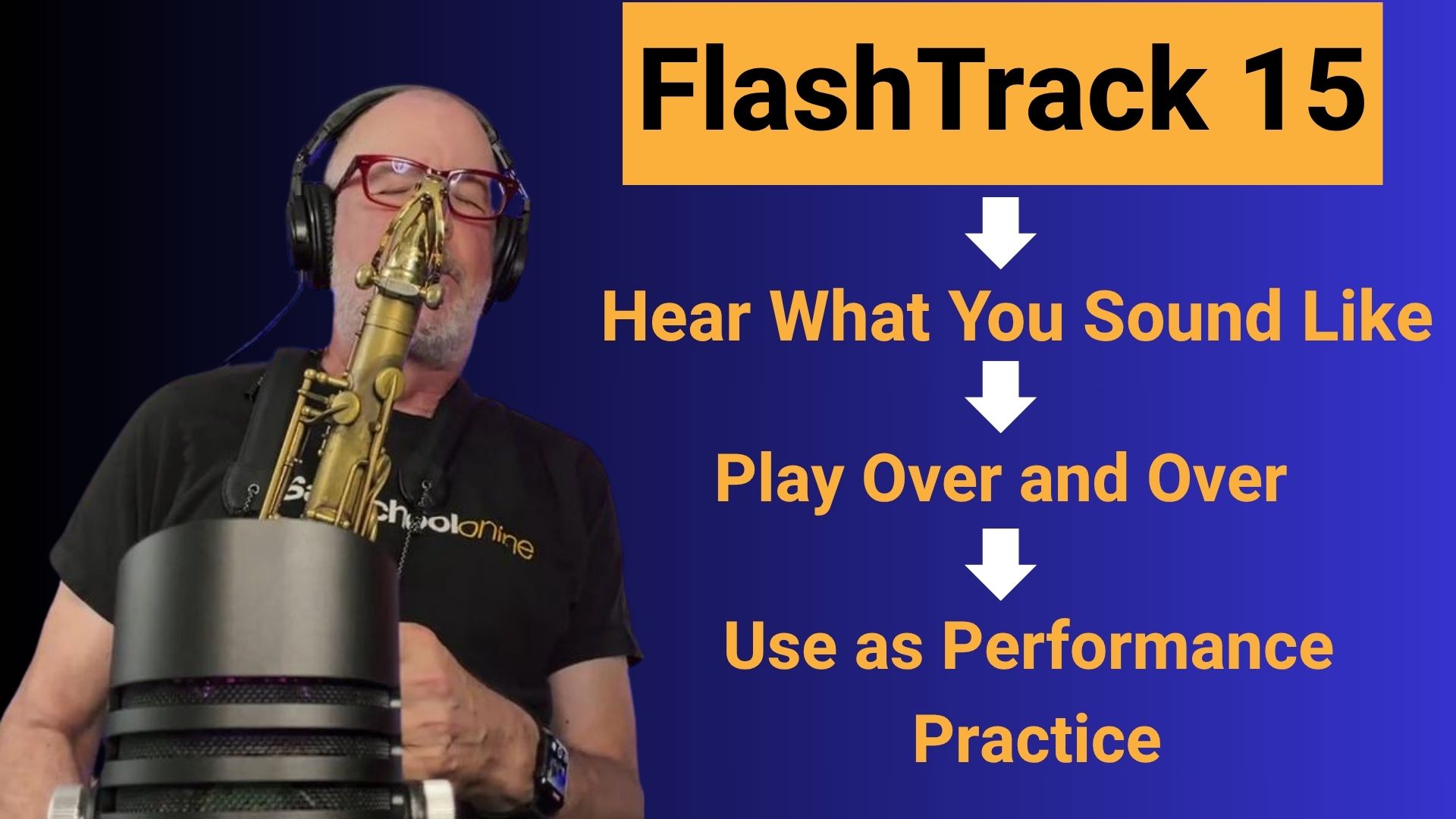
He also flagged that if your device doesn’t have Bluetooth, the FlashTrack has an aux-in as a backup. And he pointed out something we see constantly from members:
“A big friction point that we see with our members is just the complexity of recording.”
People get confused by the technical side of connecting things, and a lot of Spotlight Sessions submissions come with the same note —
“I just haven’t figured out how to get the balance right.”
A dedicated, simple setup like this removes that guesswork.
What I don’t love about this mic
A few things are worth knowing before you order. First, it’s USB-C. Fine if you’ve got a newer iPhone, iPad, or Android device. If you’re on an older Apple device with a Lightning port, you’ll need an adapter cable — not a big deal, but check before you buy.
Second, it doesn’t come with a stand. You do get thread adapters on the bottom so it fits a mic stand or a small desktop stand, and Cloud Vocal sell a desktop stand for about $30 when you order. If you’ll ever use it for vocals too, a pop filter is about a tenner.
Third, the built-in reverb is a bit tinny for my taste. You’ve got a few reverb options on the mic, but honestly, most people will record into GarageBand or Audacity and use the reverb in there instead, which sounds much better. The built-in reverb is a handy backup, nothing more.
Is the FlashTrack 15 worth $299?
The FlashTrack 15 is $299 US direct from Cloud Vocal. That’s real money — similar to what you’d pay for a decent condenser mic plus a stand, a cable, and an audio interface separately.
But go that other route and you’ve got more boxes, more things to go wrong, and more to learn. Here, you’re paying for simplicity as much as you’re paying for sound, and I do think it sounds really good. Cloud Vocal’s support has been great every time I’ve needed them too.
For full transparency: Cloud Vocal sent me this microphone. But if I thought it was rubbish, I wouldn’t be making a video about it. I think it’s a genuinely great tool, and I want my adult beginner saxophone students(opens in new tab) to know about it.
Gear is the easy part — your playing is what matters next
A mic like this solves the technical side of recording yourself. But once you’re recording regularly, the real work is making sure you don’t sound like a beginner when you press play back. That’s about your breath control(opens in new tab), your embouchure, and your posture as much as your gear.
Recording yourself isn’t a nice-to-have. It’s one of the fastest ways to actually hear your own progress, and a mic like the FlashTrack 15 takes away every excuse not to do it. Set it up once, and you’ll be surprised how quickly those small, honest recordings start adding up to real improvement.
14 day free trial(opens in new tab)
FAQ
Is the FlashTrack 15 good for a beginner saxophone player?
Yes. It’s built to remove the technical setup that usually puts people off recording. You plug a USB-C cable into your phone, press record, and you’re going in about 10 to 15 seconds.
Do I need any other gear to use the FlashTrack 15?
Not much. It doesn’t come with a stand, but it has thread adapters that fit a mic stand or a small desktop stand, which Cloud Vocal sell separately for about $30.
How much does the FlashTrack 15 cost?
It’s $299 US direct from Cloud Vocal(opens in new tab). That’s comparable to buying a decent condenser mic, stand, cable, and audio interface separately, but with far less setup and fewer things to go wrong.
Can I use the FlashTrack 15 with an older iPhone?
You can, but the mic uses USB-C, so if your device has a Lightning port you’ll need an adapter cable. It’s easy to find, but check before you order.
Why should I record myself when learning saxophone?
Recording lets you hear yourself the way an audience does — your tuning, timing, and tone — instead of just how it feels while you’re playing. It also works as performance practice, since hitting record adds a bit of real pressure that builds confidence for lessons, band, and gigs.
Nigel(opens in new tab) is the founder of Sax School Online, where he’s helped thousands of adult learners pick up the saxophone with confidence. He’s spent years testing gear alongside his students to find what actually removes friction from practice — recording included — and he shares those findings, tested and honest, right here on the blog.
Fred Vigdor(opens in new tab) toured worldwide with the iconic Average White Band for over 20 years and has performed, toured and recorded with artists including Michael MacDonald and Dave Weckl.